Return Label API: UPS, FedEx and USPS Returns and Call Tags
A return label is a prepaid label you create for a customer so they can
send a package back to you. You create it with the same submitshipment
request as an outbound label, plus one parameter: return_code. Most
carriers bill a return label only when it is actually used.
{
  "carrier": "UPS-REST",
  "action": "submitshipment",
  "params": {
    "key": "your-key-from-authenticate-request",
    "account_number": "YOUR_ACCOUNT_NUMBER",
    "return_code": "9",
    "service": "03",
    "packages": [{ "weight": 4 }],
    "shipper": "Acme Inc",
    "ship_addr1": "123 Main St",
    "ship_city": "Whitehall",
    "ship_state": "MT",
    "ship_code": "59759",
    "ship_phone": "1231231234",
    "ship_country": "US",
    "from_name": "John Doe",
    "from_addr1": "940 Presidio Ave",
    "from_city": "San Francisco",
    "from_state": "CA",
    "from_code": "94115",
    "to_name": "Acme Returns Dept",
    "to_addr1": "123 Main St",
    "to_city": "Whitehall",
    "to_state": "MT",
    "to_code": "59759",
    "to_country": "US",
    "test": true
  }
}
The response is the same as for any shipment: a tracking number and the label image. Store the tracking number so you can match the return to the original order when it arrives, and use reference values to print your order or RMA number on the label.
return_code by carrier#
| Carrier | return_code |
What it creates |
|---|---|---|
| UPS, UPS-REST | 9 |
Print Return Label: you get the label and give it to the customer (in the box, or as a download) |
| UPS, UPS-REST | 8 |
Electronic Return Label: UPS emails the label to the customer |
| UPS, UPS-REST | 2 |
Print and Mail: UPS prints the label and mails it to the customer |
| UPS, UPS-REST | 3 |
Return Service 1-Attempt: a UPS driver brings the label and tries to collect once (a call tag) |
| UPS, UPS-REST | 5 |
Return Service 3-Attempt: as above, with up to three pickup attempts (a call tag) |
| UPS, UPS-REST | 10 |
Exchange Print Return Label: for exchanges, where the driver delivers the replacement and collects the original |
| FedEx-REST | PRINT_RETURN_LABEL |
A printed FedEx return label. Add a RETURN notification to have FedEx email it instead (see below) |
| USPS-REST | PRINT_RETURN_LABEL |
A USPS return label, created through USPS's return-label endpoint. Use a return mail class as service |
| Canada Post | PRINT_RETURN_LABEL |
A Canada Post return label |
| Stamps.com | — | Uses the US-A-POUR add-on instead; see Pay-On-Use Returns |
The UPS codes are UPS's own Return Service codes, passed through unchanged.
UPS also defines Pack & Collect codes 11–20 for some countries, and these
are passed through the same way. The full list is under
return_code in the parameter reference.
On FedEx-REST, any value other than an "off" value (0, false, no,
none, off) creates a return shipment. FedEx return labels never print a
delivery commitment banner, because FedEx does not know when the customer
will drop the package off.
USPS return mail classes for service are GROUND_RETURN_SERVICE,
USPS_GROUND_ADVANTAGE_RETURN_SERVICE, PRIORITY_MAIL_RETURN_SERVICE,
PRIORITY_MAIL_EXPRESS_RETURN_SERVICE and
FIRST-CLASS_PACKAGE_RETURN_SERVICE. USPS-REST also needs a payment_token,
as with any USPS-REST label.
Which address goes where#
A UPS return involves three parties, and each one has its own set of parameters:
shipperandship_*: you, the account holder who pays for the label.account_numberis billed.from_*: the customer, where the package starts its trip back. On UPS-REST these map to UPS's ShipFrom. If you leavefrom_addr1empty, the ship-from address defaults to the shipper's, which is almost never what a return needs.to_*: where the return is delivered, usually your warehouse or returns department.
The most common mistake is to copy the outbound shipment and only add
return_code, which sends the return to the customer.
Emailing the return label to the customer#
To have the carrier email the label instead of returning it to you, add a
notify entry with type RETURN:
"return_code": "8",
"notify": [
  {
    "type": "RETURN",
    "email": "[email protected]",
    "undeliverable_email": "[email protected]",
    "from_email": "[email protected]",
    "from_name": "Your Store"
  }
]- UPS: use
return_code8(Electronic Return Label). The email comes from UPS with yourfrom_name, and bounces go toundeliverable_email. Whenreturn_codeis set, other UPS email notifications on the shipment are not sent, since return shipments do not carry them. - FedEx-REST: keep
return_codePRINT_RETURN_LABELand add theRETURNnotification. RocketShipIt then creates a pending email return shipment, which expires one month after it is created.ship_phoneis sent as the merchant phone number in the email.
Neither carrier sends emails in its test environment ("test": true), so test
emailed returns against production with a real address of your own.
Call tags: when the carrier collects the return#
A call tag is a return where the carrier goes to the customer to pick the
package up, so the customer never has to print anything or visit a drop-off
point. The driver brings the label. UPS calls these Return Service 1-Attempt
and 3-Attempt, which are return_code 3 and 5. A printed or emailed
return label is the opposite: the customer attaches the label and drops the
package off, or books a pickup themselves.
Return label (9, 8, 2) |
Call tag (3, 5) |
|
|---|---|---|
| Who prints the label | You or the customer | The carrier brings it |
| How the package gets to the carrier | Customer drops it off or schedules a pickup | Driver collects it |
| Typical use | E-commerce returns, label in the box | Equipment recovery, exchanges, customers who can't print |
| Cost | Usually billed only when used | Higher; includes the pickup attempts |
Two UPS restrictions apply: 1-Attempt (3) is not valid together with UPS
Premium Care, and 3-Attempt (5) is not valid on UPS Worldwide Express
Freight.
Rating a return before you create it#
On UPS-REST and FedEx-REST, the rate actions also accept return_code.
Send the same parameters to getrate or getallrates to price the return
service before you create it. Call tags in particular cost more than a printed
label. See the UPS rates with return service example.
International returns#
For an international return from UPS, use UPS Import Control with
import_control_code rather than return_code. If both are set,
RocketShipIt sends only Import Control. See the
UPS international return example.
Return services are only available in some countries, so check with your
carrier before relying on one outside the US.
API Examples#
- UPS Return Label
- UPS Return Label Email
- FedEx Return Label
- FedEx Emailed Return Label
- USPS Return Label
- Canada Post Return Label
Carrier return programs#
- UPS Return Services
- FedEx Returns
- USPS (EMRS requires a permit)
- USPS-eVS
Stamps.com Pay-On-Use Returns (POUR)#
Traditionally USPS/Stamps.com didn't support traditional pay-on-use return labels like UPS/FedEx. They now offer this but it has some requirements.
- Activated on a customer level. You must make sure your Stamps.com account has POUR enabled.
- Customers are required to maintain a minimum balance of $200 in their account at all times. Auto-Purchase program is automatically enabled for this purpose.
There are two types:
- Paired (return label is automatically printed with shipping label)
- On-Demand (single return label is printed as needed)
Supported Services:
- First-Class
- Priority Mail
- Parcel Select Return Services
Sample Labels#
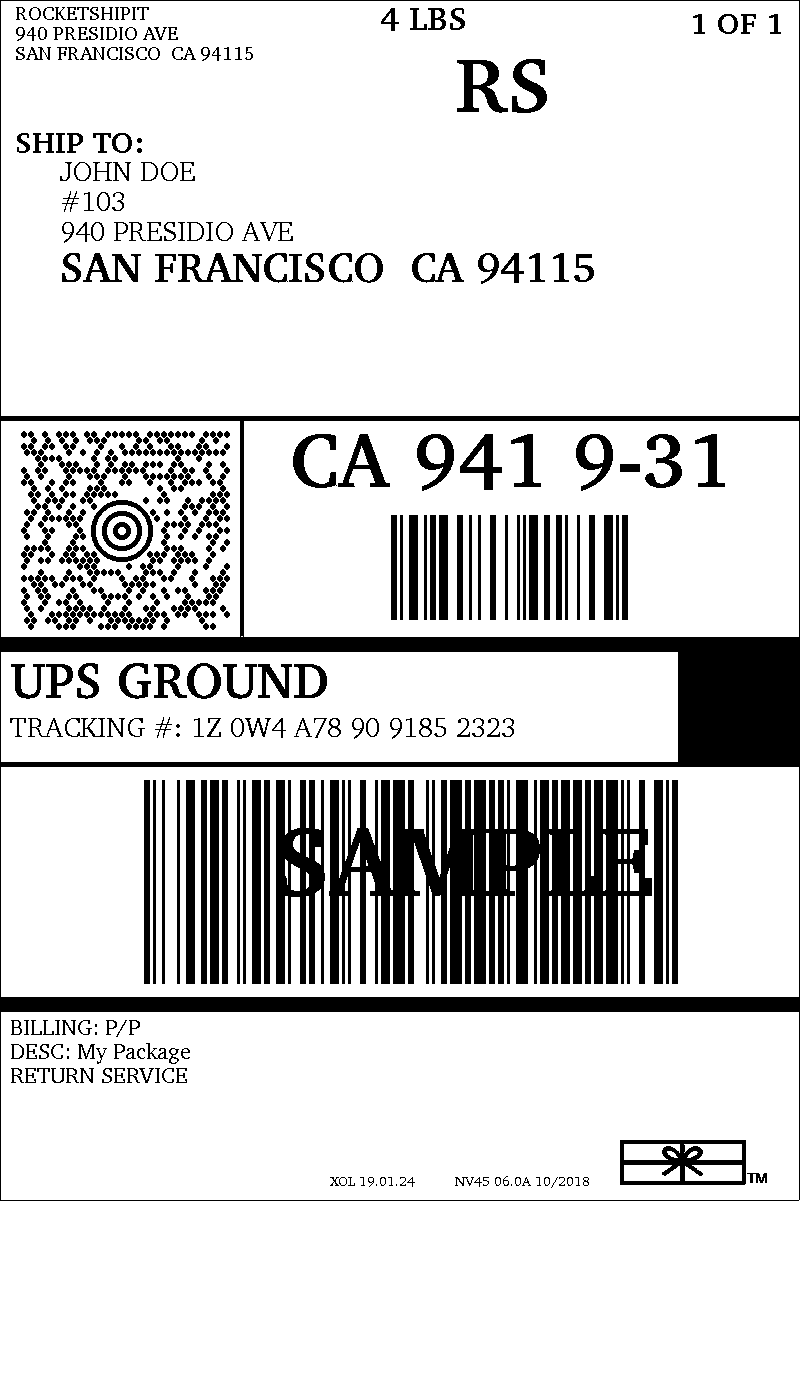
UPS Return Label:#
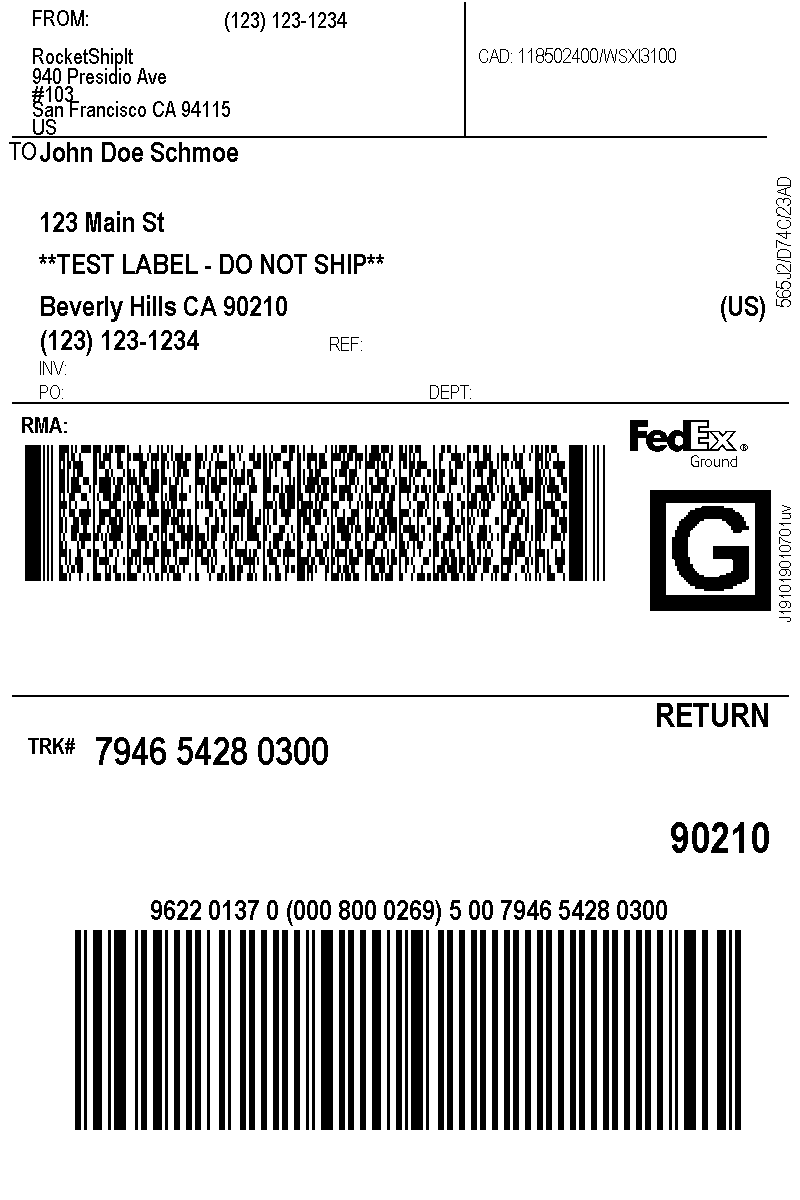
FedEx Return Label:#
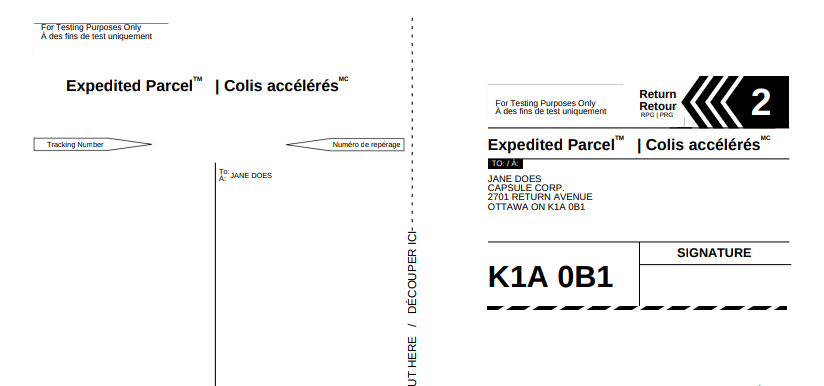
Screenshot of Canada Post PDF Return Label:#